
2026.8.15, OneDrive Client No Longer Support Windows 10 21H2
2026-10-28 07:48
Phenomenon:
The existing OneDrive client on Windows 10 21H2 and earlier versions of Windows will show:
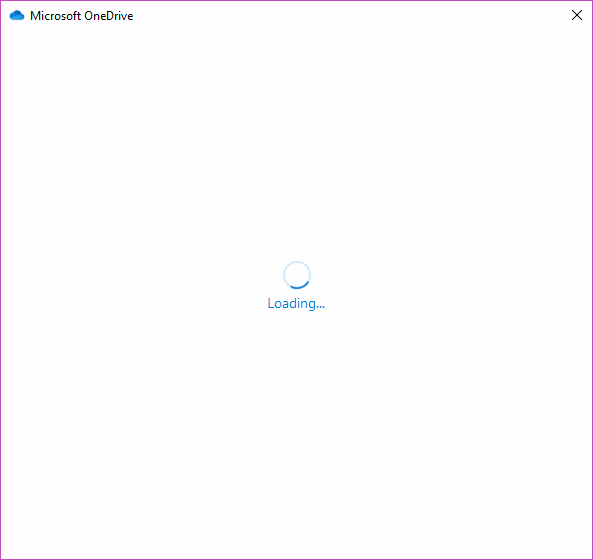
Scenario 1: OneDrive v26 version, clicking the OneDrive icon causes no response.
Scenario 2: OneDrive v21. Clicking the OneDrive icon brings up the login interface, but after entering the account and password, the account keeps spinning in circles. After waiting 30 minutes, it still keeps spinning.
Reason:
According to Microsoft's official website, starting August 15, 2026, the OneDrive client will no longer support Windows 10, 21H2, and earlier Windows versions.
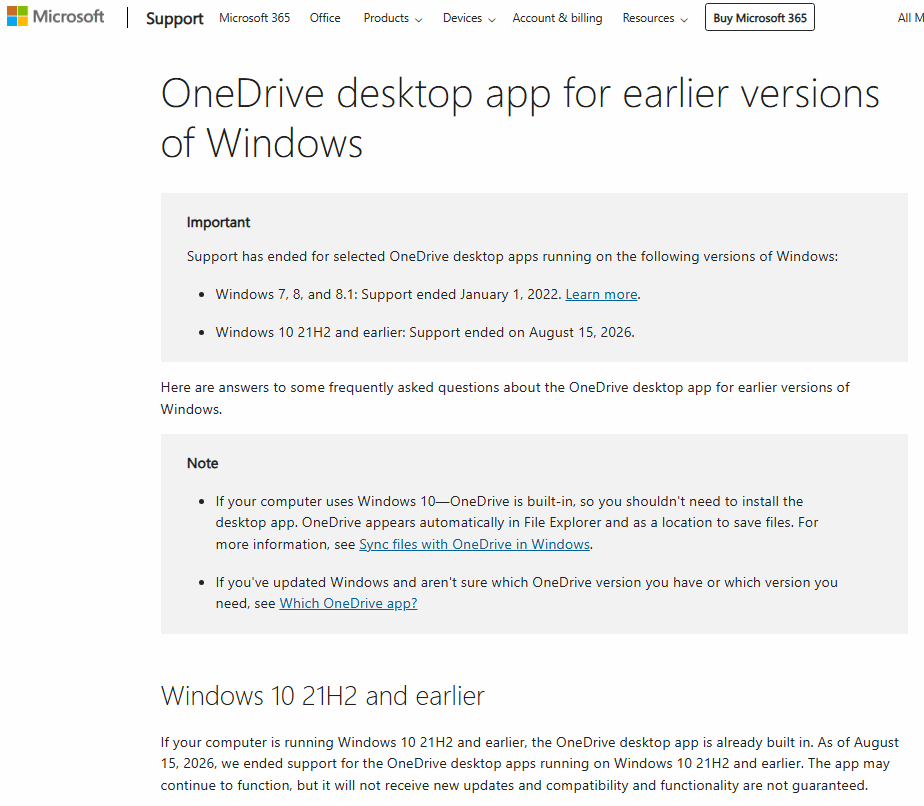
The following is a statement from Microsoft's official website:
Important
Support has ended for selected OneDrive desktop apps running on the following versions of Windows:
Windows 7, 8, and 8.1: Support ended January 1, 2022.
Windows 10 21H2 and earlier: Support ended on August 15, 2026.
Windows 10 21H2 and earlier
If your computer is running Windows 10 21H2 and earlier, the OneDrive desktop app is already built in. As of August 15, 2026, we ended support for the OneDrive desktop apps running on Windows 10 21H2 and earlier. The app may continue to function, but it will not receive new updates and compatibility and functionality are not guaranteed.
| EXE Addins | Cloud Addins | MAC Addins |
Related Documents
- The Meanings of Various Icons in Windows OneDrive
- Why OneDrive Still Show Quota Exceeded when I've already deleted all Its Files?
- How to View Version History of Word Document on OneDrive.com?
- OneNote notebooks saved in OneDrive or SharePoint are limited to 2GB
- OneNote 2016 and OneNote for Win10 no Pressure Sensitivity when Drawing with Graphics Tablet

